
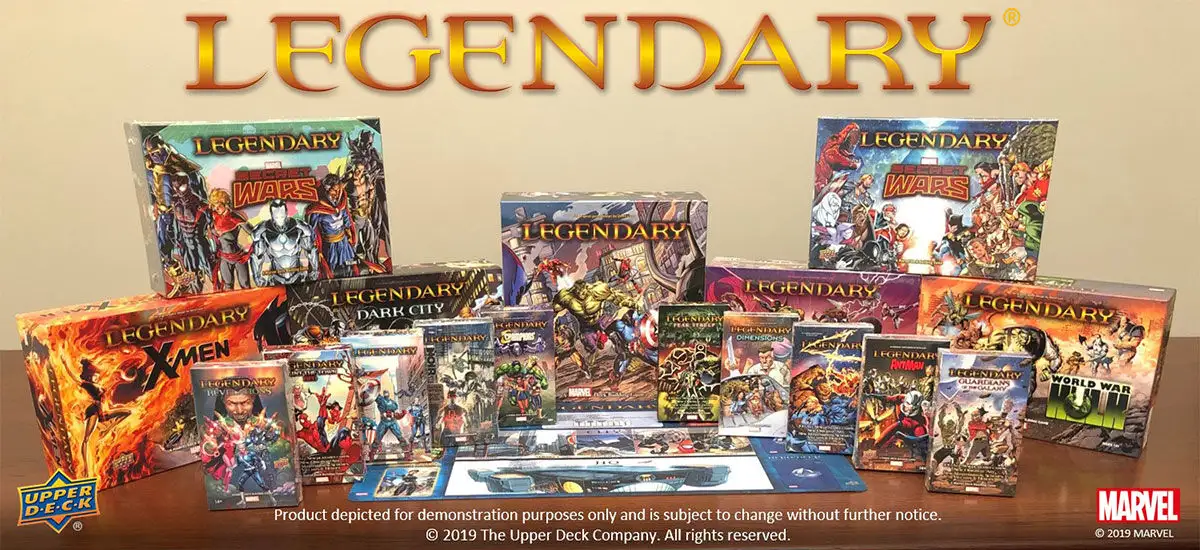
The goal of this project is to modernize the existing master‑strike.com single‑page application (built on vue 2) by rebuilding it on a contemporary frontend stack (TypeScript, vue 3, and Tailwind CSS). The modernization focuses on improving maintainability, developer experience, performance, and long‑term sustainability while preserving the core purpose of the application: rendering and searching the Master Strike card data.
Background
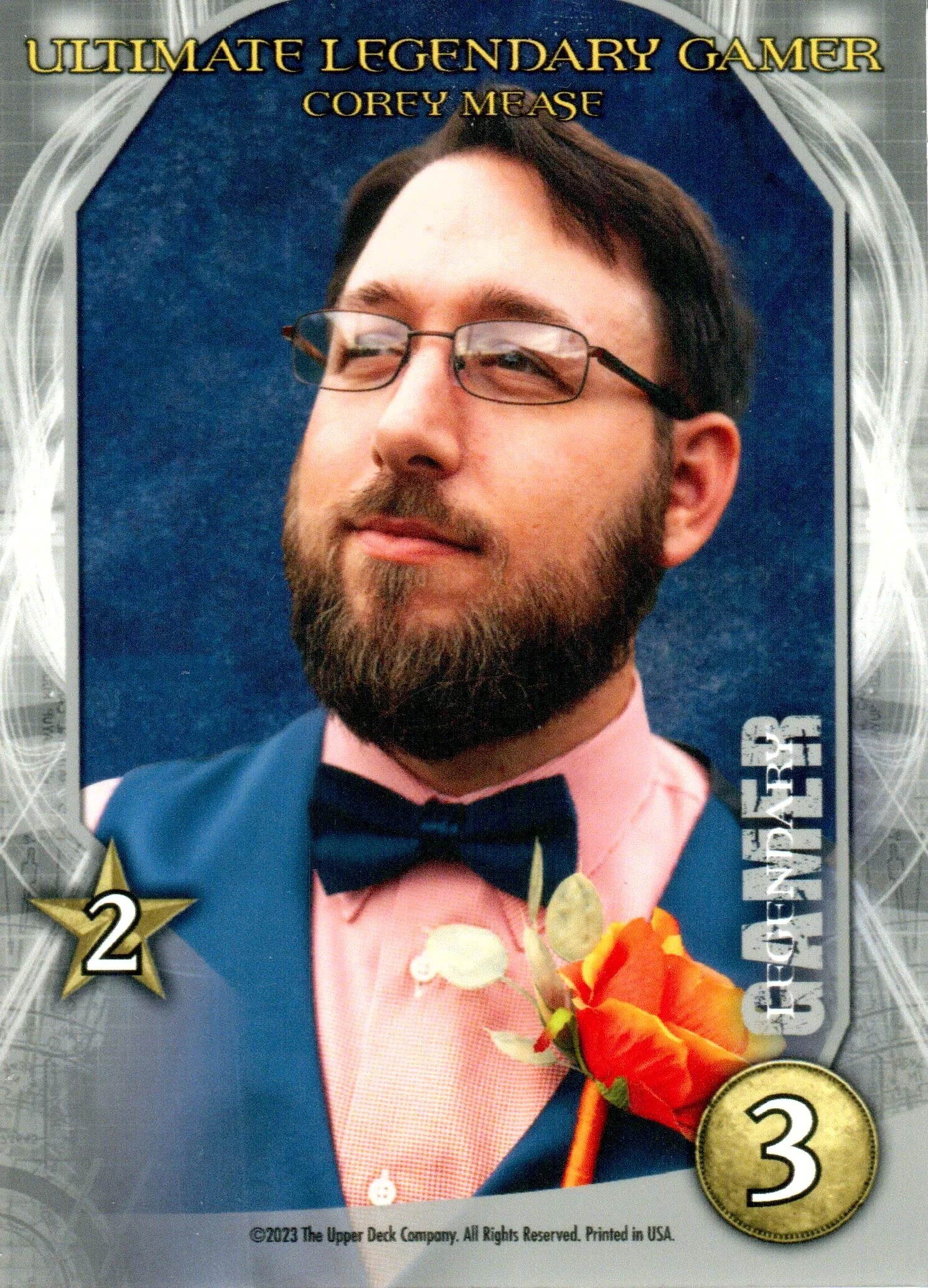
Master-strike.com was created by Bageltop Games (wants to remain anonymous) and Kabalistus (Edson Mesquita). Card images where scanned by CaptainMetroidica (Corey Mease) and hosted on his site https://legendarycardgame.com see Ultimate Legendary Gamer card below.
Also, Images are hosted on digitaloceanspaces.com under the Bageltop Games account. Example card image of Wolverine - https://nyc3.digitaloceanspaces.com/bageltop/CardImages/Heroes/wolverine-04.png

1. Repository Setup and Development Environment
The modernization effort begins with establishing a clean and maintainable development environment.
A new GitHub repository will be created on github.com to serve as the authoritative source for the modernized application. This repository will contain all frontend source code, configuration files, and documentation. GitHub provides version control, issue tracking, and collaboration workflows that support incremental development and future contributions.
Visual Studio Code (VS Code) will be used as the primary development editor. VS Code offers first‑class support for TypeScript, Vue Single‑File Components, Tailwind CSS, and GitHub integration, making it well suited for this project. Editor extensions such as Vue language support and Tailwind IntelliSense help enforce consistency and reduce errors during development.
At this stage, project conventions (folder structure, naming standards, and commit practices) are defined to ensure clarity and scalability as the codebase grows.
The first step in this modernization effort focuses on setting up a clean repository and development environment, which is covered in detail in [Part 1:
2. Vite Dev Server and Build Environment
With the repository in place, the next step is establishing the build and development pipeline using Vite.
Vite is selected as the dev server and build environment because it is designed for modern frontend workflows and integrates seamlessly with Vue 3 and TypeScript. It provides:
- An extremely fast local development server
- Instant hot module reloading
- Optimized production builds
Vite acts as the backbone of the application lifecycle:
- During development, it serves source files directly to the browser
- During production builds, it bundles and optimizes the application into static assets suitable for deployment
This step results in a runnable development environment where the application can be previewed locally and iterated on rapidly.
3. TypeScript Programming Language Integration
Once the build environment is operational, the project is structured around TypeScript as the primary programming language.
TypeScript introduces static typing, which improves code reliability, refactorability, and long‑term maintainability. In the context of the master‑strike application, TypeScript helps:
- Clearly define card data models
- Enforce contracts between components
- Reduce runtime errors caused by invalid data assumptions
TypeScript is used throughout the project, including:
- Vue component logic
- Data access and transformation
- Application state and utility functions
This step ensures the project is robust and suitable for future expansion, especially as additional card sets or features are introduced.
4. Vue 3 User Interface Components
With the language and tooling in place, the user interface is built using Vue 3.
Vue 3 is responsible for:
- Rendering the application UI
- Managing reactivity and state updates
- Structuring the application into reusable components
The modernization replaces the legacy Vue 2 architecture with Vue 3’s modern component model. The UI is decomposed into clearly defined components such as:
- Search and filter controls
- Card list and card detail views
- Layout and navigation elements
Vue 3’s component system allows the UI to remain modular, readable, and testable while supporting a responsive and interactive experience for users.
5. Tailwind CSS for Web Page Styling
After the component structure is established, Tailwind CSS is integrated for styling.
Tailwind CSS is a utility‑first CSS framework that enables rapid and consistent UI development without maintaining large custom stylesheet files. It allows styles to be applied directly within Vue templates using predefined utility classes.
Using Tailwind CSS provides:
- A consistent design system across the application
- Faster iteration on layout and visual changes
- Reduced CSS complexity and duplication
Tailwind is used to style all UI components, including layout grids, typography, spacing, and interactive states, resulting in a clean and modern visual presentation.
6. Application Integration and Data Rendering
With the UI, styling, and tooling complete, the application integrates the Master Strike data layer (for example, via the @master-strike/data package).
The Vue 3 application consumes this data to:
- Render card information dynamically
- Support text‑based search and filtering
- Display results in a responsive and user‑friendly layout
At this stage, the application functions end‑to‑end as a modern single‑page application, fully replacing the legacy frontend implementation.
7. Cloudflare Pages Deployment and Hosting
The final step is deployment.
The application is deployed as a static single‑page application using Cloudflare Pages. Cloudflare Pages is well suited for this use case because it:
- Hosts static frontend assets efficiently
- Integrates directly with GitHub repositories
- Provides global CDN distribution for fast load times
Each push to the GitHub repository can automatically trigger a new build and deployment, ensuring that updates are published reliably and consistently.
This completes the modernization pipeline, resulting in a fast, globally distributed, and easily maintainable frontend application.
Summary
By following this development sequence—repository setup, tooling, language, UI framework, styling, integration, and deployment—the master‑strike.com application is transformed into a modern, maintainable, and future‑proof web application. The chosen stack reflects current best practices in frontend development while remaining simple, efficient, and aligned with long‑term sustainability goals.
0 Comments